

iValidator - Upload. Verify. Optimize. Precision Email Validation at Scale
Clean your email lists with enterprise-grade accuracy and actionable insights.
Download the App Now
or scan using this
User Functionalities
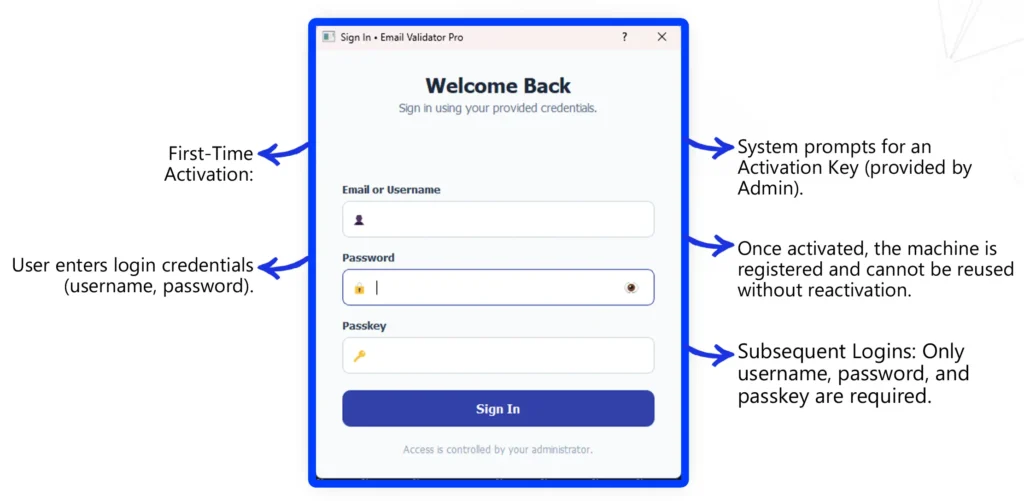
Login & Activation
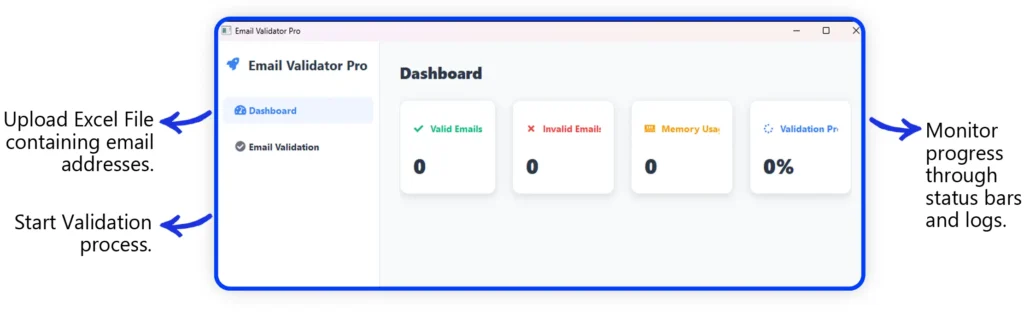
Dashboard Overview
After successful login, the Dashboard provides all tools for email validation. Main actions:
Email Validation Process
Upload File: Select Excel file with email addresses.
Start Validation: System follows a layered validation process:
- Syntax Validation – Ensures the email address format is correct.
- Domain & MX Record Check – Confirms the domain exists and has valid mail servers.
- Reputation Check – Verifies the domain/IP against blacklists and spam databases.
- Catch-All Detection – Determines if the domain accepts all emails regardless of validity.
- Disposable/Temporary Email Check – Flags addresses from disposable email providers.
- Mailbox Quota/Storage Check – Identifies if the mailbox is full.
- SMTP Verification – Final step to confirm the mailbox exists and accepts mail (via ports 25/465/587).
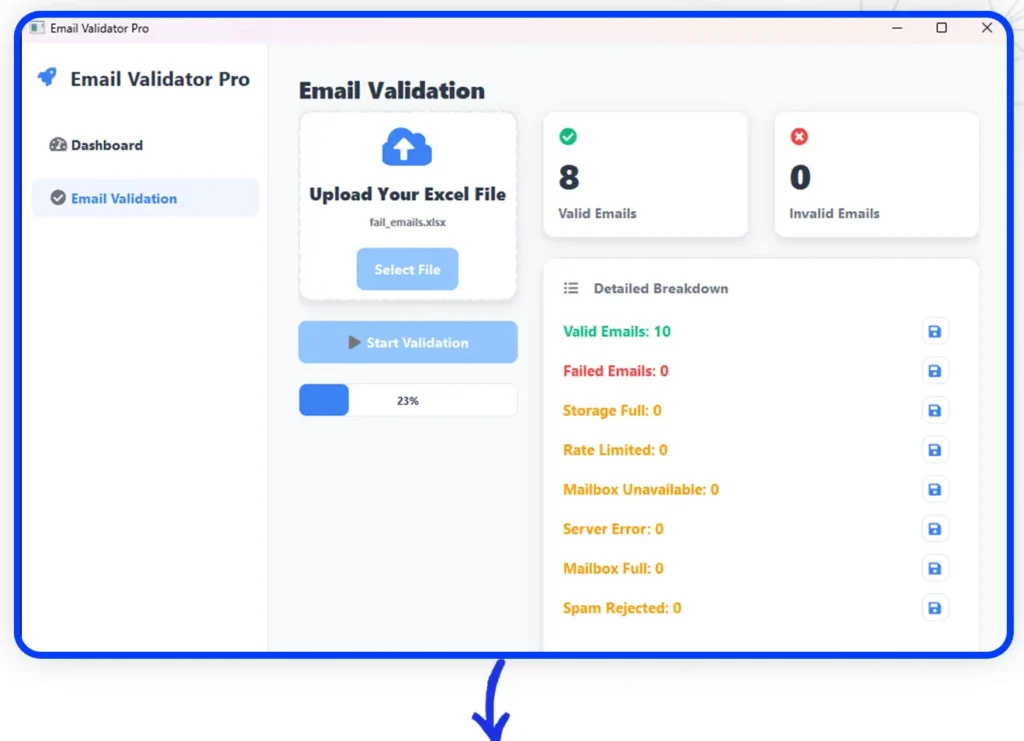
View Results: Each email is categorized as:
Valid – Mailbox exists and is deliverable.

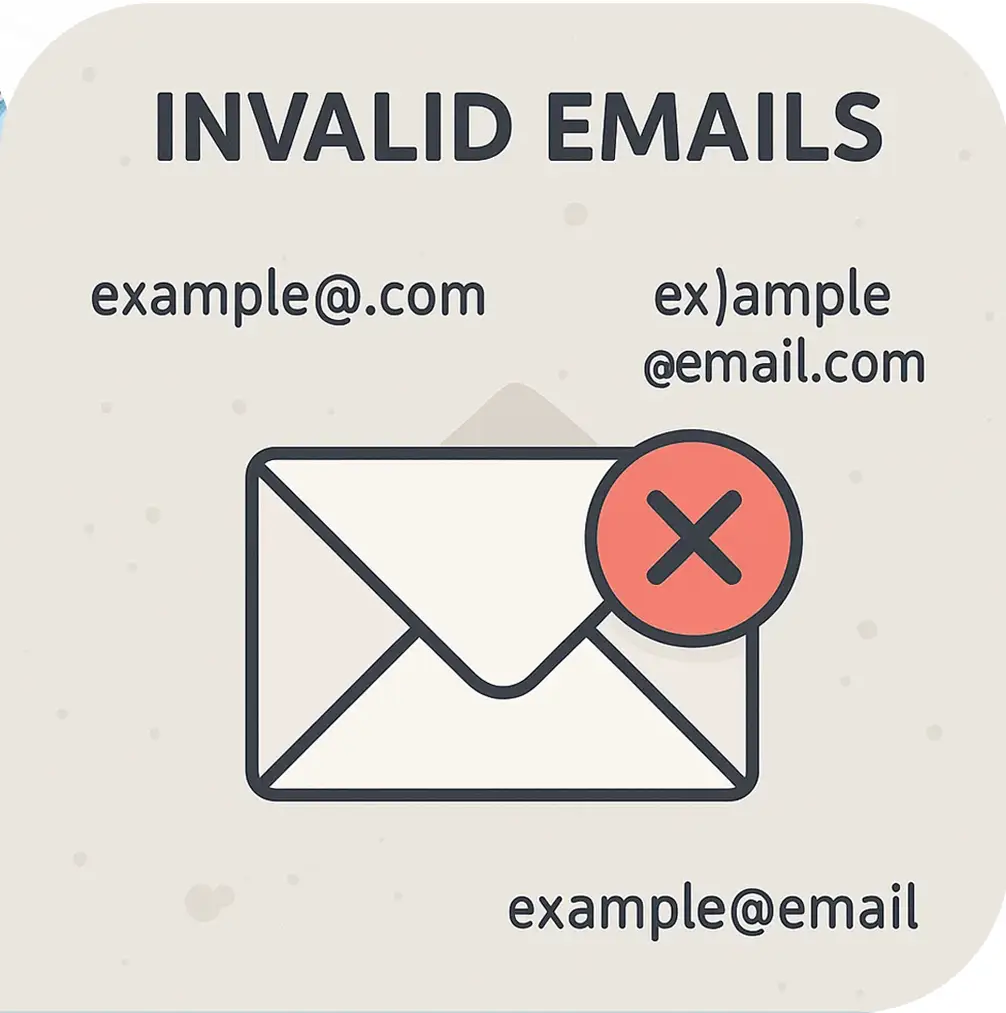
Invalid – Mailbox does not exist or domain is unreachable.

Spam / Suspicious – Email flagged due to blacklists or spam heuristics.

Storage Full / Error – Recipient’s mailbox is full or temporary issue.

User Role Overview
Secure Login
User must authenticate with credentials and activation key on first use.

Validation Workflow
Upload Excel files, validate, retry, and download categorized results.

Self-Service
Users independently manage their validation process within the assigned limits.

Transparency
Validation results are visible and can be exported for further use.

Download Results
After validation is complete, users can download categorized results to local PC as Excel files:
Valid Emails
Invalid Emails
Spam Emails
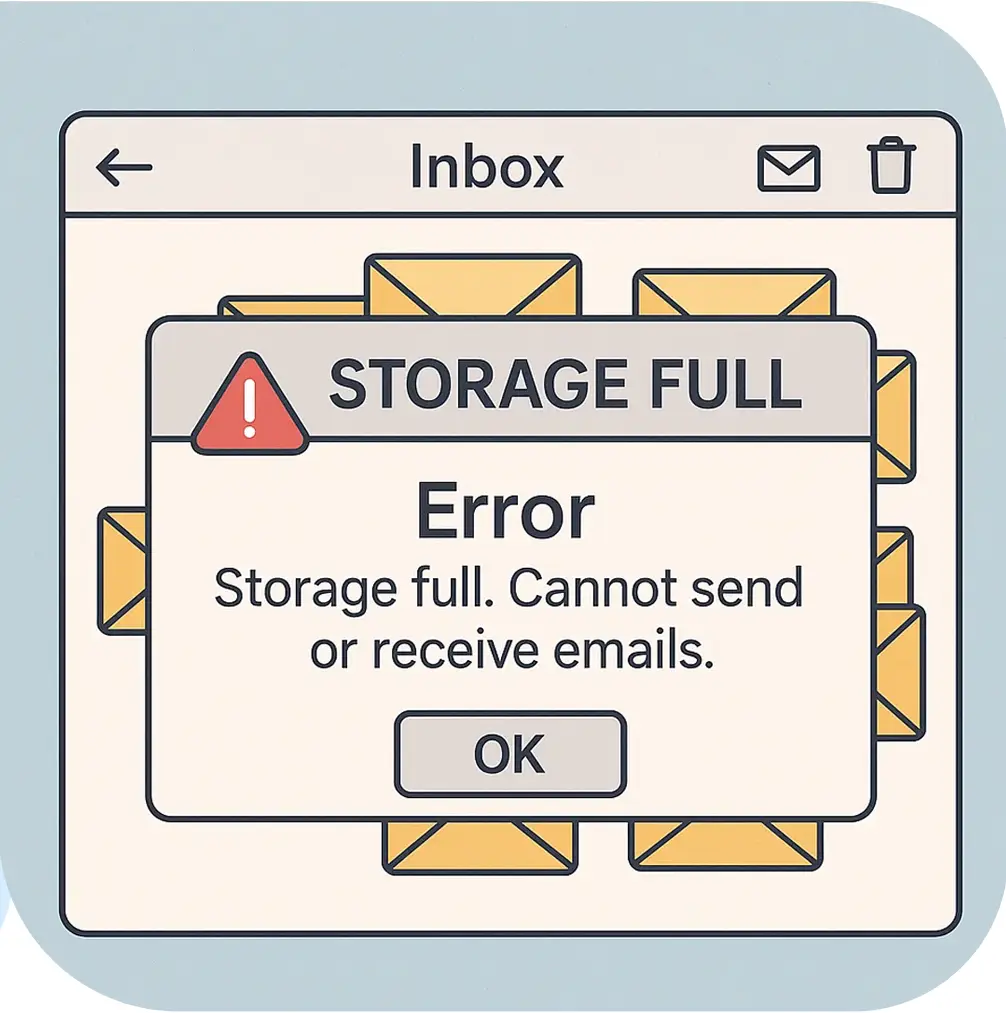
Storage Full / Error Emails
Each category is stored in a separate downloadable Excel file for easy access.
Price Plan
Price
-
$ 0
-
$ 5
-
$ 500
-
Custom
Email Volume
-
Up to 1 lakh emails
-
500,000 emails
-
85 lakh emails per day
-
Enterprise-level volumes
Duration / Notes
-
Free test (one-time)
-
1 day
-
30 days
-
Let’s discuss
Frequently Asked Questions
iValidator is a desktop-based email validation tool that allows users to upload Excel files containing email addresses and verify their validity through a multi-layered process including syntax, domain, reputation, and SMTP checks.
First-time users must log in using their credentials and enter a one-time activation key provided by the administrator. This binds the software to the machine and prevents reuse without reactivation.
It categorizes emails as Valid, Invalid, Spam/Suspicious, Storage Full/Error, and more—based on SMTP codes and server responses. It also flags disposable, catch-all, and blacklisted domains.
Yes. iValidator allows users to retry invalid emails to recheck borderline cases or temporary server issues, helping improve final accuracy.
Users can upload Excel files (.xlsx) containing email lists. After validation, categorized results are downloadable as separate Excel files for easy access.
SMTP codes like 250 (Success), 550 (Mailbox unavailable), and 554 (Message rejected) help users understand why an email failed and what action to take—such as retrying or removing the address.
Yes. Access is controlled via secure login credentials and passkey. Each machine is uniquely activated, and validation quotas are managed by the administrator.
Users are subject to validation quotas set by the admin. The tool is self-service, but usage is restricted by machine activation and login credentials.